
CRM & LEADS
Build powerful self-hosted CRM workflows directly inside WordPress. Track leads, manage customer activity, organize follow-ups, collaborate with your team, and monitor funnel performance using a conversion-focused CRM designed for modern businesses, agencies, and marketers.
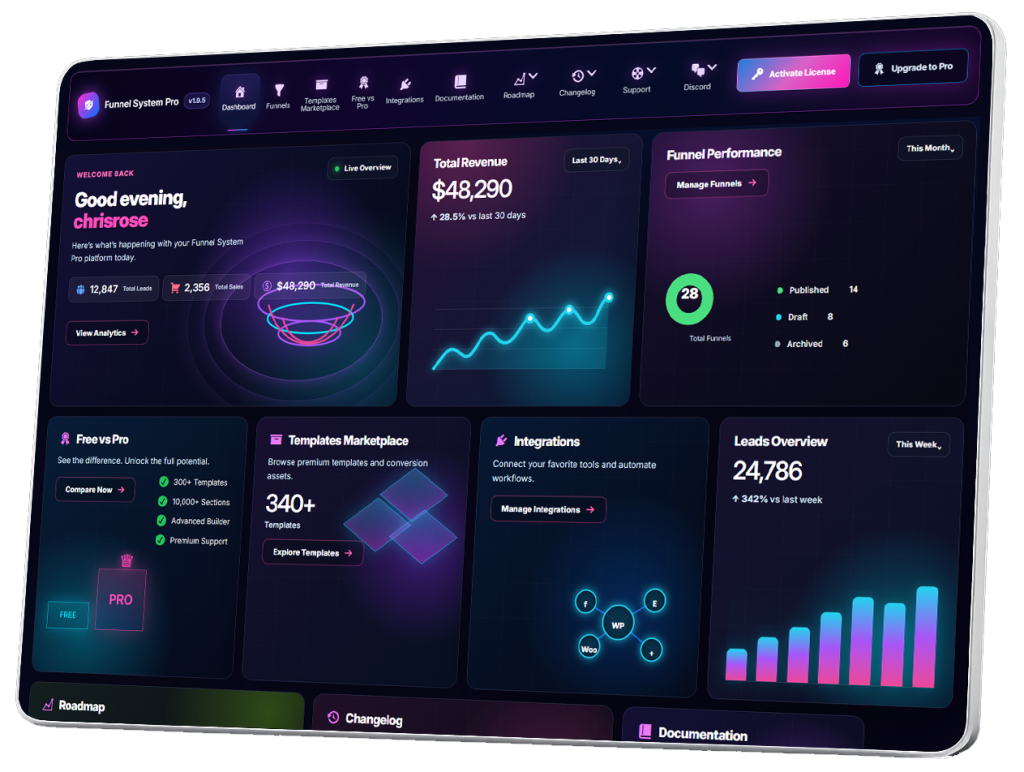
- CRM Overview
- Understanding the Lead Dashboard
- Viewing Funnel Leads
- Lead Detail Pages
- Managing Lead Statuses
- Creating Lead Notes
- Activity Timeline
- Tracking Lead History
- Filtering Leads
- Searching Leads
- Exporting Leads
- CSV Exporting
- Email Notifications
- User Notifications
- Lead Assignment
- Team Dashboard Overview
- Managing Team Members
- User Roles & Permissions
- Client Dashboard Overview
- Shared Funnel Access
- Managing Client Funnels
- Lead Management Workflows
- CRM Automation Strategies
- Agency CRM Workflows
- Organizing Large Lead Volumes
- CRM Best Practices
- CRM Troubleshooting
CRM Troubleshooting
CRM Troubleshooting in Funnel System Pro helps businesses diagnose and resolve common issues related to lead capture, CRM workflows, notifications, funnel submissions, user permissions, automation systems, and database performance directly inside WordPress.
As funnel systems grow more advanced, occasional CRM issues may occur due to:
- Plugin conflicts
- Hosting limitations
- Configuration errors
- Notification problems
- Permission issues
- Automation conflicts
- Server performance
Understanding how to troubleshoot CRM workflows helps maintain reliable lead management and prevent missed opportunities.
Why CRM Troubleshooting Matters
CRM systems are often the operational center of a funnel business.
When problems occur:
- Leads may not save correctly
- Notifications may fail
- Teams lose visibility
- Follow-ups become delayed
- Conversions may be lost
Fast troubleshooting helps protect both customer experience and revenue.
Common CRM Issues
Leads Not Appearing in CRM
Possible causes:
- Funnel submission errors
- Database issues
- Plugin conflicts
- JavaScript conflicts
- Form validation problems
Email Notifications Not Sending
Possible causes:
- Missing SMTP configuration
- Hosting email restrictions
- Spam filtering
- Incorrect notification settings
Duplicate Leads
Possible causes:
- Multiple form submissions
- Page caching conflicts
- Automation loops
- User confusion during submission
CRM Slow Performance
Possible causes:
- Large lead databases
- Shared hosting limitations
- Heavy plugins
- Poor optimization
- Excessive CRM activity logs
Lead Statuses Not Updating
Possible causes:
- Workflow conflicts
- Permission issues
- Automation failures
- AJAX or JavaScript errors
User Permission Problems
Possible causes:
- Incorrect user roles
- Access control conflicts
- WordPress permission issues
First Steps for CRM Troubleshooting
Step 1 — Identify the Exact Problem
Clearly define:
- What is happening
- When it happens
- Which users are affected
- Which funnels are affected
Specific troubleshooting is faster and more accurate.
Step 2 — Reproduce the Problem
Submit a live test lead.
Check:
- CRM entry creation
- Notifications
- Lead assignment
- Status updates
- Activity tracking
Testing helps isolate the issue.
Step 3 — Check Funnel Configuration
Review:
- Funnel fields
- CRM mapping
- Notifications
- Automation settings
- Lead assignment rules
Configuration mistakes are common.
Step 4 — Review WordPress Errors
Enable WordPress debugging if needed.
Check for:
- PHP errors
- JavaScript conflicts
- AJAX issues
- Server warnings
Error logs often reveal the root cause.
Troubleshooting Lead Capture Problems
Leads Not Saving
Check:
- Required fields
- Form validation
- Database connectivity
- Funnel publishing status
Partial Lead Data
Possible causes:
- Incorrect field mapping
- Plugin conflicts
- Incomplete submissions
Spam Lead Problems
Recommendations:
- Use reCAPTCHA
- Enable anti-spam protection
- Review funnel validation settings
Troubleshooting Email Notifications
Emails Not Sending
Recommended checks:
- Configure SMTP
- Verify sender email
- Test WordPress email delivery
SMTP services improve reliability.
Recommended providers:
- Google Workspace SMTP
- Mailgun
- SendGrid
- Amazon SES
- Brevo
Emails Going to Spam
Possible causes:
- Missing SPF/DKIM records
- Weak sender reputation
- Poor hosting configuration
Proper email authentication improves deliverability.
Missing Notification Data
Check:
- Dynamic field mapping
- Funnel field names
- Notification templates
Troubleshooting CRM Performance
Slow Dashboard Loading
Possible causes:
- Large databases
- Shared hosting limitations
- Heavy plugins
- Excessive analytics tracking
Recommendations:
- Optimize database
- Remove unused plugins
- Upgrade hosting if necessary
CRM Timeout Errors
Possible causes:
- Server memory limits
- PHP execution limits
- Large exports or imports
Mobile CRM Problems
Check:
- Mobile responsiveness
- Theme conflicts
- Plugin compatibility
Mobile testing is important for real-world workflows.
Troubleshooting User Roles & Permissions
Users Cannot Access CRM
Check:
- WordPress user role
- Funnel System Pro permissions
- Team Dashboard access settings
Incorrect Funnel Visibility
Review:
- Shared funnel permissions
- Role assignments
- Client dashboard access
Editing Restrictions Not Working
Permission conflicts may occur between:
- WordPress roles
- Plugin-level permissions
- Third-party membership systems
Troubleshooting Automation Workflows
Automation Not Triggering
Check:
- Workflow settings
- Funnel triggers
- Notification rules
- Status conditions
Duplicate Automation Actions
Possible causes:
- Overlapping workflows
- Duplicate triggers
- Multiple notification rules
Delayed Automation
Possible causes:
- Hosting cron issues
- Queue delays
- Server load problems
Troubleshooting Funnel Analytics
Missing Analytics Data
Check:
- Funnel tracking enabled
- JavaScript loading correctly
- Ad blockers during testing
Incorrect Conversion Counts
Possible causes:
- Duplicate submissions
- Tracking conflicts
- Cached pages
Troubleshooting Multi-User CRM Systems
Lead Assignment Issues
Check:
- Team roles
- Assignment rules
- Notification workflows
Activity Timeline Problems
Review:
- Database logging
- CRM permissions
- Workflow tracking settings
Troubleshooting Client Dashboards
Clients Cannot Access Reports
Check:
- Login credentials
- Role permissions
- Dashboard access settings
Missing Funnel Visibility
Review:
- Funnel sharing settings
- Client assignment configuration
Best Practices for CRM Stability
Keep WordPress Updated
Updates improve:
- Security
- Compatibility
- Performance
Avoid Excessive Plugins
Too many plugins increase conflict risk.
Use Reliable Hosting
CRM systems perform best on stable, optimized hosting environments.
Backup CRM Data Regularly
Routine backups protect against:
- Data loss
- Migration issues
- Update failures
Test Funnels Regularly
Submit live test leads often to verify workflows.
Recommended CRM Maintenance Routine
Weekly:
- Test funnel submissions
- Review notifications
- Check CRM activity
Monthly:
- Optimize database
- Clean spam leads
- Review permissions
- Update plugins
Quarterly:
- Review workflows
- Optimize automation
- Audit CRM organization
Regular maintenance improves long-term reliability.
Security Troubleshooting
CRM systems contain sensitive customer information.
Recommendations:
- Use SSL/HTTPS
- Restrict permissions carefully
- Use strong passwords
- Enable secure backups
- Protect admin accounts
Security issues should always be treated seriously.
Advanced CRM Troubleshooting Possibilities
Advanced troubleshooting may involve:
- Server logs
- PHP debugging
- API testing
- Database optimization
- JavaScript console analysis
- Hosting performance analysis
Large CRM systems may require deeper technical analysis.
CRM Troubleshooting vs Traditional Contact Form Systems
Traditional systems often lack:
- Centralized debugging
- CRM visibility
- Workflow tracking
- Operational reporting
Funnel System Pro centralizes funnel and CRM workflows directly inside WordPress, making troubleshooting more organized and manageable.
Final Thoughts
CRM troubleshooting helps businesses maintain stable lead management systems, reliable automation workflows, and organized funnel operations.
With Funnel System Pro, businesses can diagnose issues, optimize CRM performance, improve workflow reliability, and maintain scalable funnel-driven operations directly inside WordPress while keeping full ownership of their customer and CRM data.