
CRM & LEADS
Build powerful self-hosted CRM workflows directly inside WordPress. Track leads, manage customer activity, organize follow-ups, collaborate with your team, and monitor funnel performance using a conversion-focused CRM designed for modern businesses, agencies, and marketers.
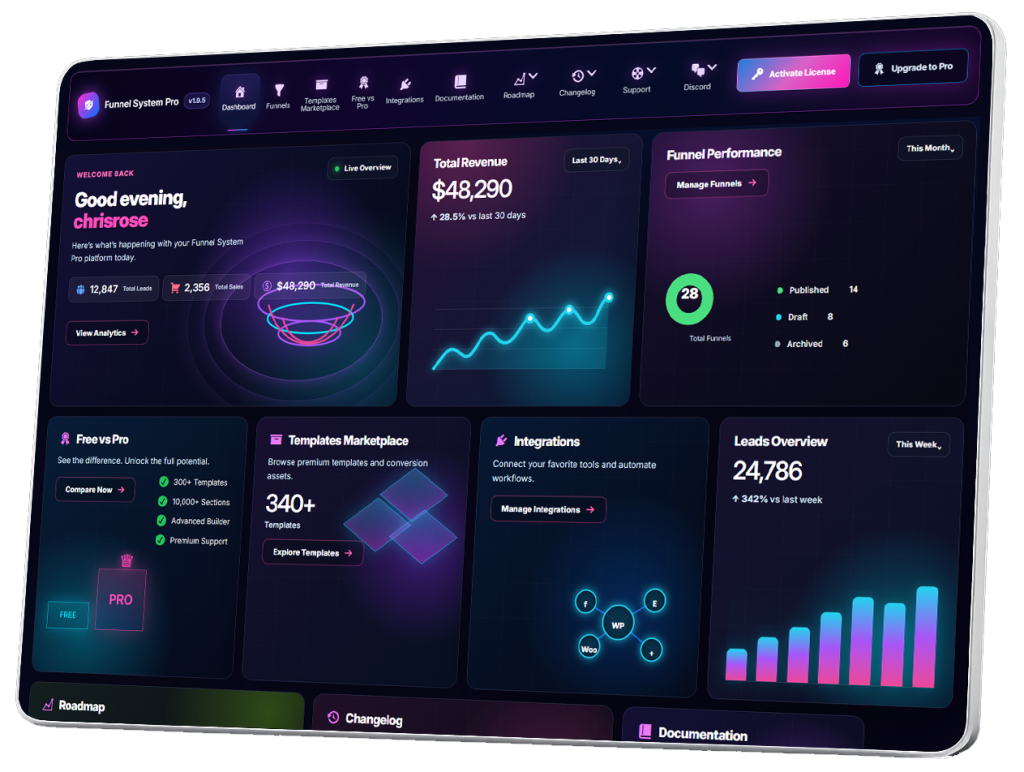
- CRM Overview
- Understanding the Lead Dashboard
- Viewing Funnel Leads
- Lead Detail Pages
- Managing Lead Statuses
- Creating Lead Notes
- Activity Timeline
- Tracking Lead History
- Filtering Leads
- Searching Leads
- Exporting Leads
- CSV Exporting
- Email Notifications
- User Notifications
- Lead Assignment
- Team Dashboard Overview
- Managing Team Members
- User Roles & Permissions
- Client Dashboard Overview
- Shared Funnel Access
- Managing Client Funnels
- Lead Management Workflows
- CRM Automation Strategies
- Agency CRM Workflows
- Organizing Large Lead Volumes
- CRM Best Practices
- CRM Troubleshooting
Lead Assignment
Lead Assignment in Funnel System Pro allows businesses and teams to assign incoming leads to specific users, departments, sales representatives, or team members directly inside the CRM system.
As lead volume grows, assigning leads becomes essential for maintaining organized workflows, improving response speed, and ensuring every opportunity is handled properly.
Lead assignment helps businesses:
- Distribute workloads
- Improve team accountability
- Speed up follow-ups
- Organize sales pipelines
- Manage multi-user CRM systems efficiently
What Is Lead Assignment?
Lead assignment is the process of connecting a lead to a specific person or team responsible for managing that customer relationship.
Assigned users may include:
- Sales representatives
- Account managers
- Intake coordinators
- Support staff
- Client managers
- Agency team members
Each assigned team member becomes responsible for handling the lead workflow.
Why Lead Assignment Matters
Funnels can generate large numbers of leads quickly.
Without assignment systems:
- Leads may be ignored
- Follow-ups become inconsistent
- Teams duplicate work
- Customer communication becomes disorganized
Lead assignment creates structure and accountability inside the CRM.
Benefits of Lead Assignment
Faster Response Times
Leads are routed directly to the correct person.
Better Team Organization
Each team member knows which leads they are responsible for.
Reduced Missed Opportunities
Assignment systems reduce the chance of leads being forgotten.
Improved Customer Experience
Customers receive faster and more consistent communication.
Better Sales Workflow Visibility
Managers can track:
- Team workloads
- Lead ownership
- Pipeline activity
- Follow-up progress
Accessing Lead Assignment Features
To assign leads:
Go to:
Funnel System Pro → CRM → Leads
Open any Lead Detail Page.
Inside the lead profile, locate:
- Assigned User
or - Lead Assignment settings
How To Assign a Lead
Step 1 — Open the Lead Profile
Select the lead you want to assign.
Step 2 — Choose the Assigned Team Member
Select a user from the assignment dropdown.
Examples:
- Sales Manager
- Intake Coordinator
- Client Specialist
- Account Executive
Step 3 — Save the Assignment
Save the lead record.
The assigned user now becomes responsible for the lead workflow.
Lead Assignment Workflow Example
Typical workflow:
- Visitor submits funnel
- CRM creates lead
- Lead automatically assigned
- Assigned user receives notification
- Follow-up begins
- Lead status updates are tracked
This creates a structured customer management process.
Manual vs Automatic Lead Assignment
Manual Assignment
A manager or admin manually assigns leads.
Best for:
- Smaller teams
- High-value leads
- Specialized workflows
Automatic Assignment
The CRM automatically routes leads based on predefined rules.
Examples:
- By service category
- By location
- By funnel type
- By availability
- By department
Automatic workflows improve scalability.
Common Lead Assignment Strategies
Assignment by Funnel Type
Examples:
- Roofing leads → Roofing sales team
- Home care leads → Intake coordinator
- Booking funnels → Appointment staff
Assignment by Location
Businesses operating in multiple cities can assign leads by:
- City
- Region
- Service area
This is useful for:
- Contractors
- Franchise systems
- Local SEO businesses
Assignment by Team Role
Examples:
- Sales leads → Sales reps
- Support inquiries → Support team
- Applications → HR department
Round Robin Assignment
Leads rotate evenly between team members.
This helps distribute workloads fairly.
Lead Assignment Notifications
When a lead is assigned, notifications may alert:
- Assigned user
- Sales manager
- Department teams
This improves response speed and accountability.
Lead Assignment and CRM Organization
Assignment systems improve:
- Workflow visibility
- Sales pipeline organization
- Team collaboration
- Customer tracking
Organized lead ownership becomes increasingly important as businesses scale.
Lead Assignment Best Practices
Assign Leads Quickly
Fast assignment improves response times.
Use Clear Team Roles
Every team member should understand:
- Their responsibilities
- Their lead categories
- Their workflow expectations
Keep Assignments Organized
Avoid unclear or overlapping ownership.
Monitor Team Workloads
Balance assignments fairly across teams.
Combine Assignment With Lead Statuses
Example:
- Assigned to Sales Rep
- Status = Contacted
This improves workflow clarity.
Lead Assignment for Agencies
Agencies can assign leads by:
- Client campaign
- Funnel type
- Team member
- Service category
- Geographic region
This creates scalable CRM workflows for multi-client environments.
Multi-User CRM Collaboration
Lead assignment helps teams:
- Avoid duplicate follow-ups
- Improve accountability
- Track ownership
- Maintain workflow continuity
This is especially important in larger sales environments.
Lead Assignment and Funnel Optimization
Assignment tracking can reveal:
- Which teams convert best
- Which funnels create better leads
- Response time patterns
- Sales bottlenecks
This helps improve operational efficiency and funnel strategy.
Mobile CRM Assignment Workflows
Mobile CRM access may allow users to:
- Assign leads remotely
- Review lead ownership
- Update statuses on the go
- Coordinate team activity in real time
Mobile workflows improve flexibility and responsiveness.
Security and User Permissions
Lead assignment systems often require role-based access controls.
Recommendations:
- Restrict CRM permissions
- Use secure user accounts
- Limit unnecessary admin access
- Keep WordPress updated
Proper permissions improve CRM security and organization.
Common Lead Assignment Mistakes
Unassigned Leads
Leads without owners may never receive follow-up.
Duplicate Ownership
Multiple users handling the same lead can create confusion.
Uneven Workloads
Poor distribution can overwhelm team members.
Slow Assignment
Delayed lead routing reduces conversion opportunities.
Advanced Lead Assignment Possibilities
Future workflows may support:
- AI-powered lead routing
- Skill-based assignment
- Behavioral lead scoring
- Automated pipeline distribution
- Team performance tracking
- Smart workload balancing
Lead assignment can evolve into a powerful workflow automation system.
Lead Assignment vs Traditional Contact Forms
Traditional contact forms often rely on:
- Shared inboxes
- Manual forwarding
- Disconnected communication
Funnel System Pro integrates lead ownership and assignment directly inside the CRM for more scalable team management.
Final Thoughts
Lead assignment helps businesses organize customer workflows, improve response times, and manage team collaboration more efficiently.
With Funnel System Pro, businesses can route leads, manage sales ownership, coordinate team workflows, and maintain structured CRM operations directly inside WordPress while keeping full ownership of their customer and funnel data.